 Voice Do
Three steps. One breath.

Tap the mic
From the app, a widget or your Lock Screen.
Say what’s on your mind
All of it, in one go. No special words to learn.

Check it and save
Every task is split out and sorted. Leave out anything you don’t want.
Reminders, set for you
Just say when. The date and the reminder are there when you look.
“Send the invoice tomorrow at ten, water the plants on Wednesday”
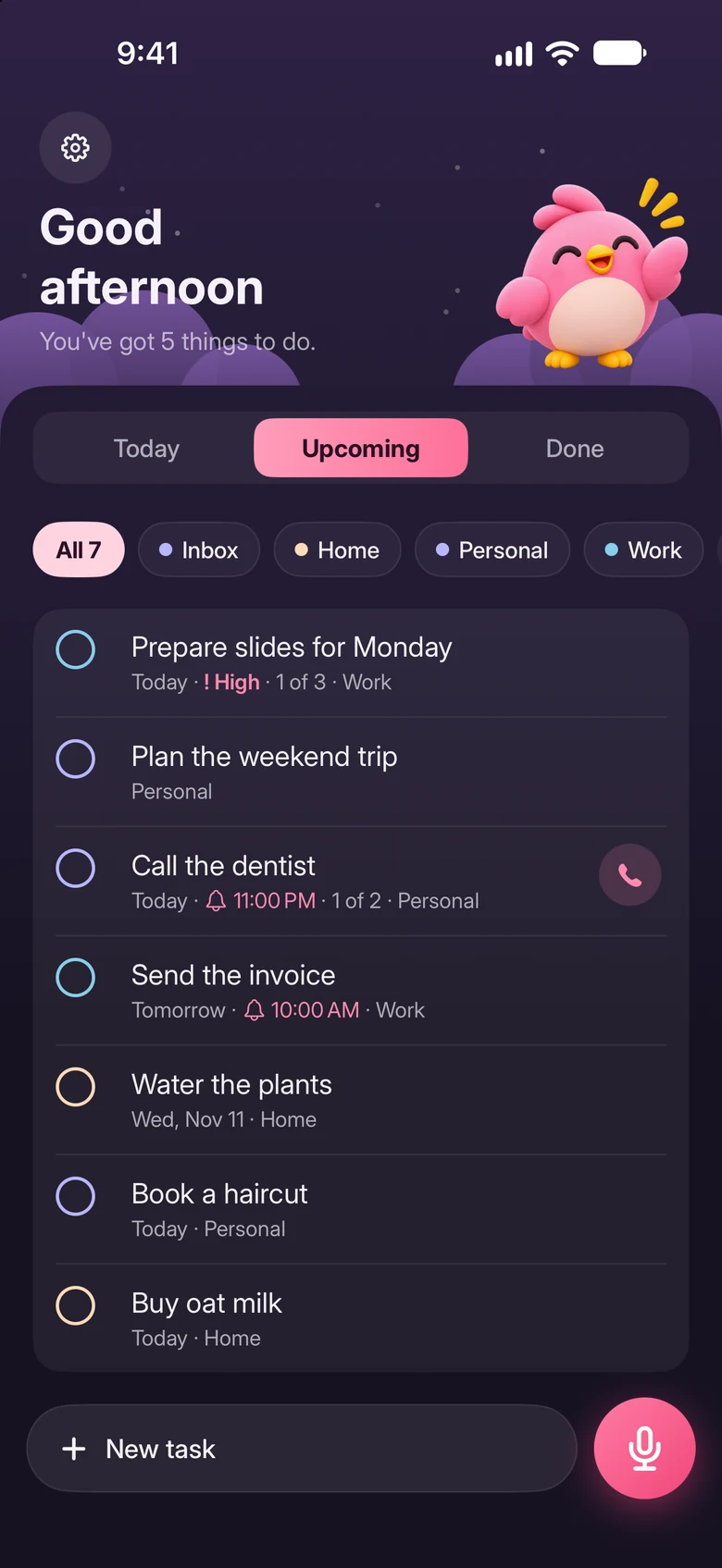

Call or text in one tap
Say who, and the button is on the task. Tap it when the time comes.
“Call the dentist, Dr. Lim, tonight at eleven”
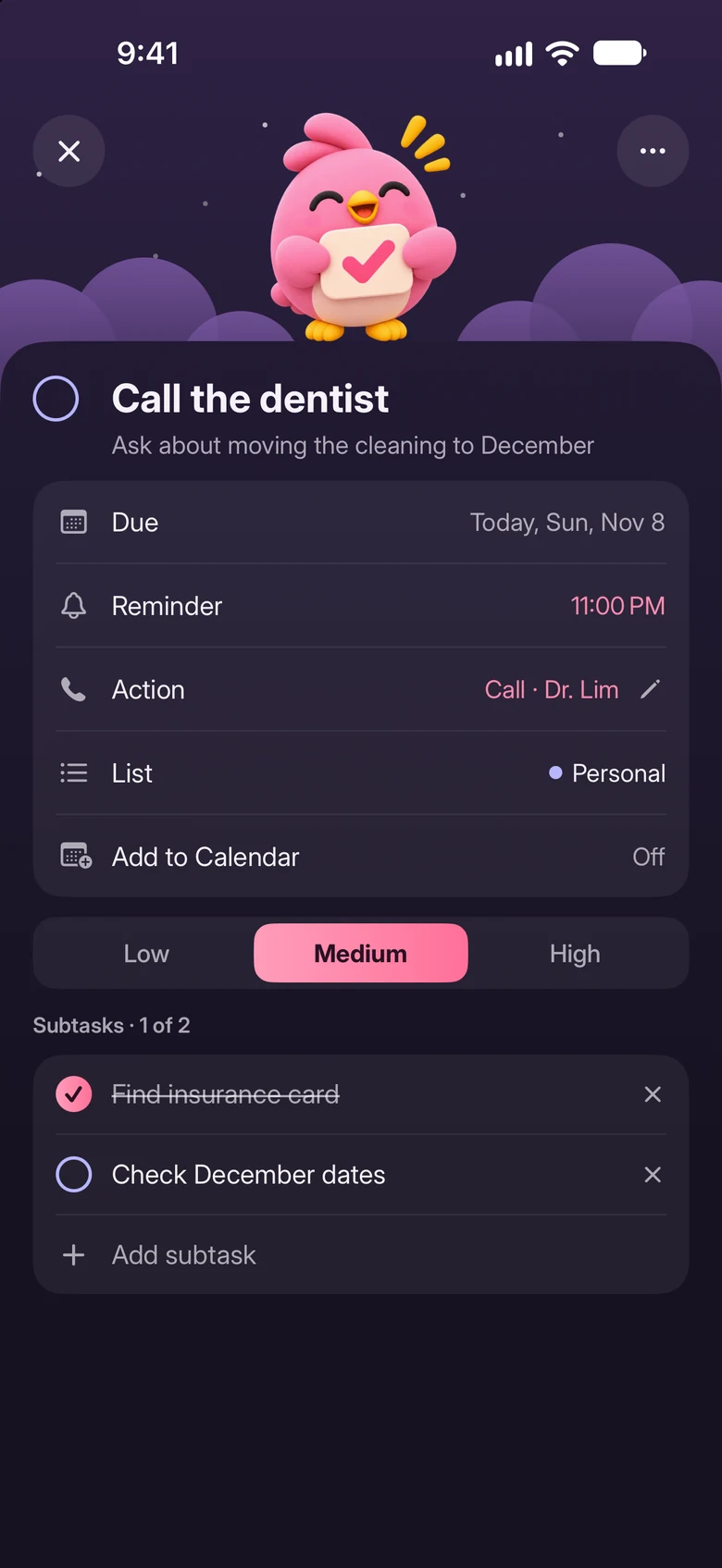

Every task finds its list
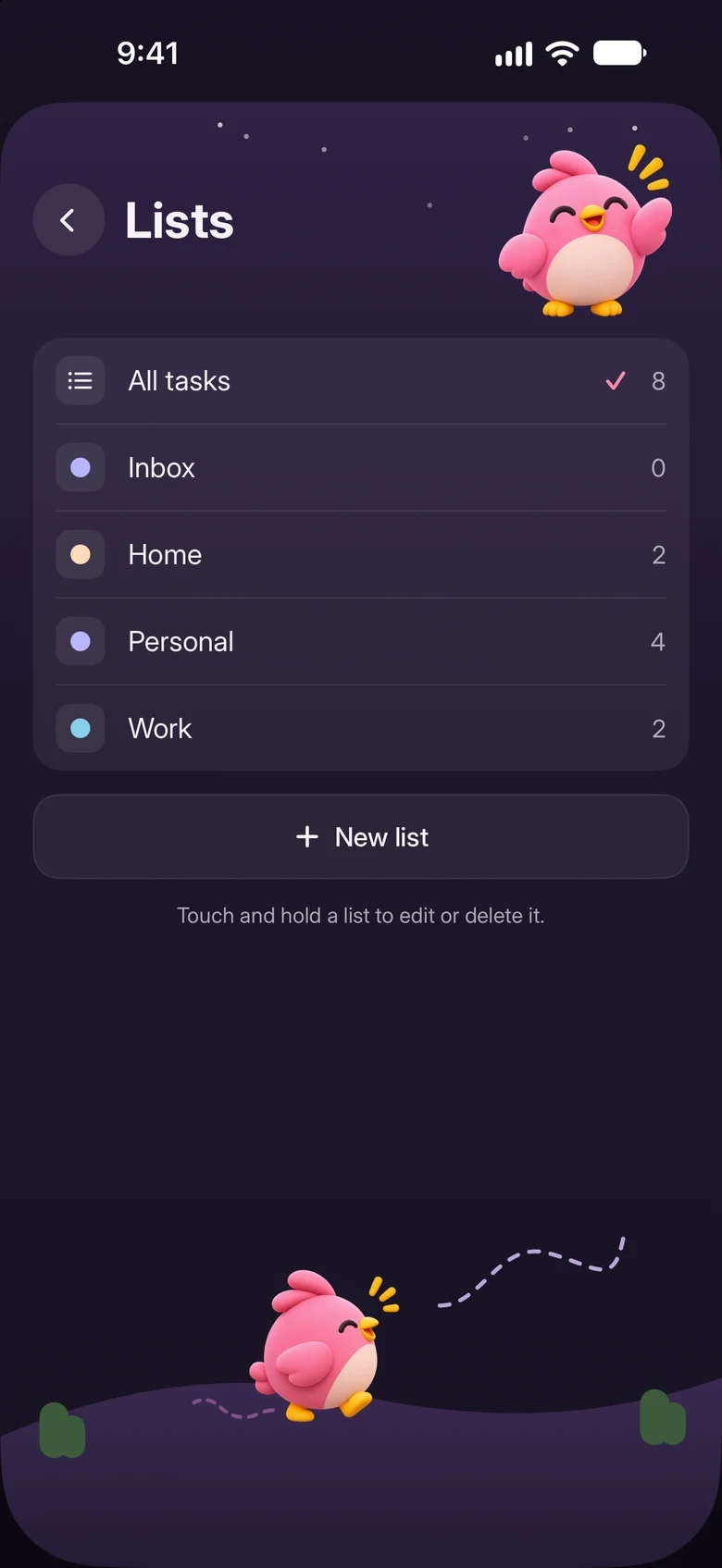
Work goes with work, home with home. Anything unsure waits in your Inbox.
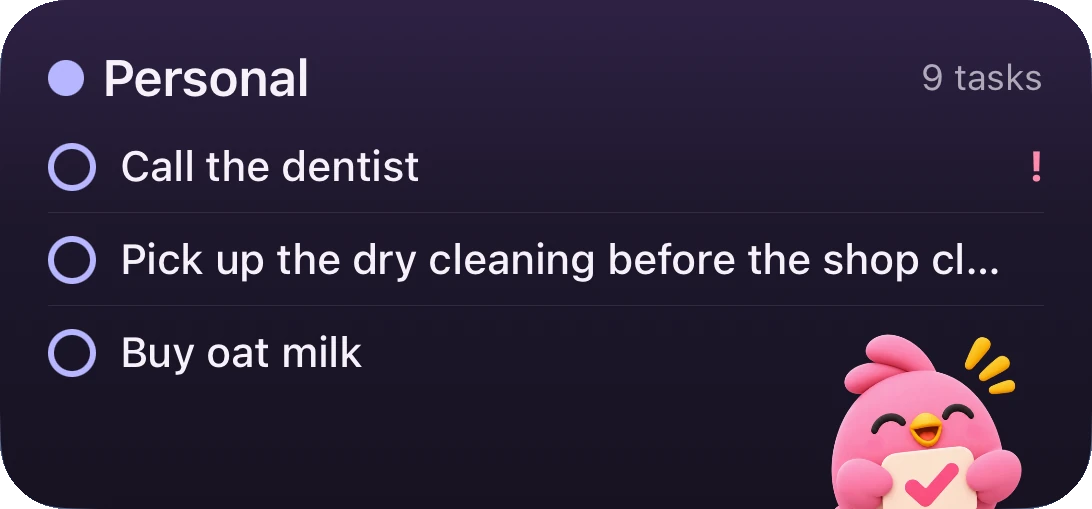
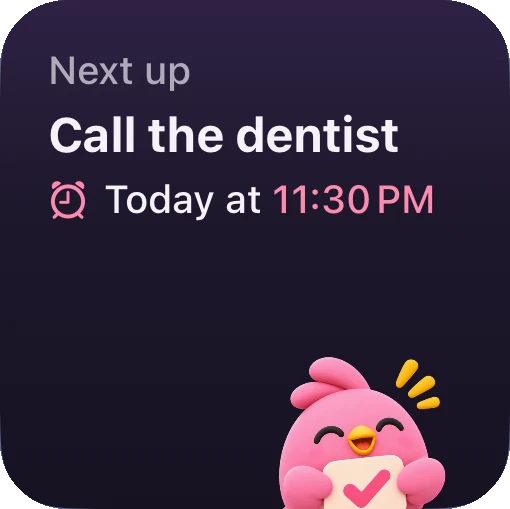
Tasks on your Home Screen
See what’s next, and tick it off right there.
Talk in the language you think in
Your tasks stay in the language you said them.
“Call the dentist tomorrow at ten”
“Llamar al dentista mañana a las diez”
“Telefon doktor gigi esok pukul sepuluh”
Questions
What does it cost?
Voice Do is free to download, with paid plans inside the app: Weekly, Yearly or Lifetime. Yearly starts with a 3-day free trial for new subscribers.
Do I need an account?
No. Open the app and start talking.
Where does my voice go?
Your speech is sent securely to OpenAI to transcribe it and turn it into tasks. The privacy policy has the details.
What can I use it on?
iPhone and iPad.
What’s on your mind?
Say it.

 Scan to get it
on your iPhone